A creator can have a powerful laptop, a clean camera rig, and an automated publishing pipeline—and still lose the day to a weak connection. Uploads stall, remote jobs time out, live video drops, and a client review that should take ten minutes becomes an hour of retries.
The answer is not simply “buy the fastest plan.” Build connectivity around the work, the locations, and the cost of failure.

Start with the workload
Different jobs stress a connection differently:
| Workload | What matters most | Common failure |
|---|---|---|
| Uploading source video | Sustained upload speed and data allowance | Fast download marketing hides weak upload performance |
| Livestreaming | Stable upload, low packet loss, and consistent latency | Short drops break the stream |
| Remote AI or cloud rendering | Reliability, latency, and session recovery | A lost connection kills an active job |
| Messaging and approvals | Coverage and battery life | Dead zones delay decisions |
| Local AI work | Enough connectivity for sync, research, and delivery | Treating local inference as if it means zero network needs |
Measure your own workflow for a week. Record upload sizes, locations, failed sessions, hotspot use, and whether the bottleneck was signal, plan limits, device heat, or the service receiving the file.

Primary connection plus fallback
One mobile connection is convenient. It is not redundancy.
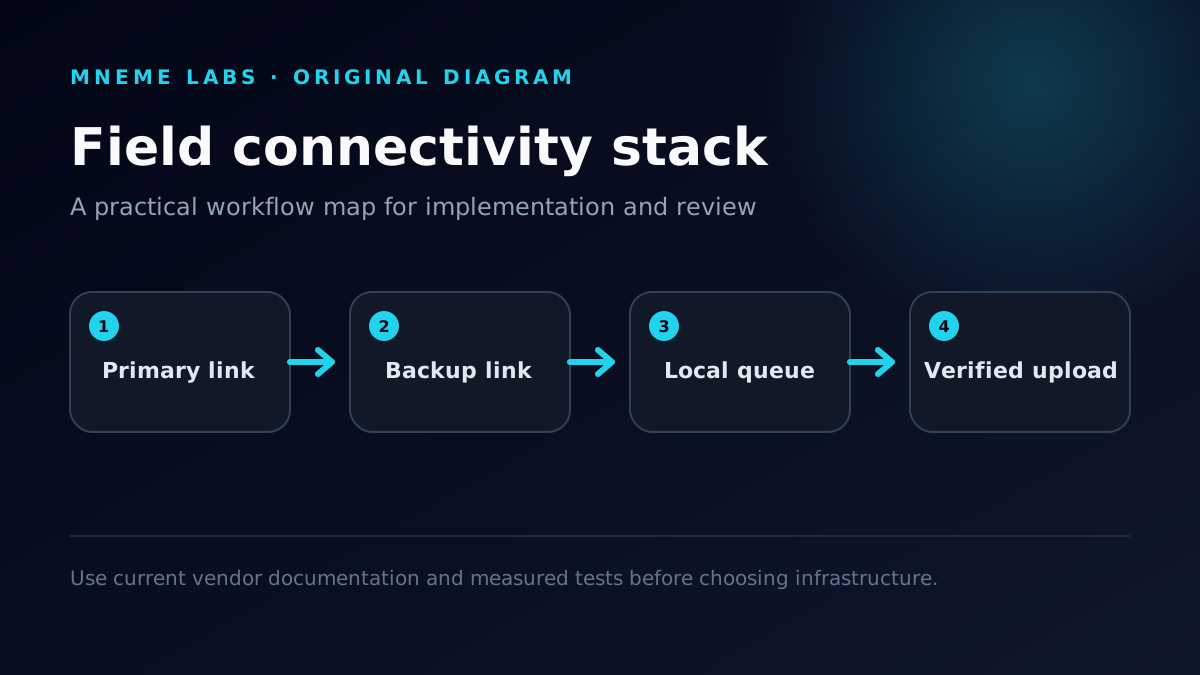
A practical field setup can include:
- a primary phone plan with hotspot support;
- access to a second network through another device or travel hotspot when the work justifies it;
- local copies of scripts, briefs, credentials, and critical project files;
- resumable uploads or sync tools that survive an interruption;
- a known indoor or wired fallback location.
Two devices on the same carrier may fail together. Redundancy should remove a shared point of failure, not duplicate it.
Test coverage where you actually work
National coverage maps are a starting point. Buildings, basements, event venues, terrain, congestion, and even where you stand inside a room can change the result.

Before moving a production workflow to a plan, test:
- the home or studio upload location;
- regular client sites;
- event venues and travel corridors;
- the exact room where livestreaming or remote work happens;
- peak hours, not only an empty Sunday morning.
Compare usable upload speed, latency, and stability—not merely the largest speed-test number.
Hotspot details that deserve attention
Read the current plan terms for:
- how much hotspot data is included;
- what happens after the allowance is used;
- whether video or hotspot traffic is managed differently;
- device compatibility and activation requirements;
- roaming and international rules;
- taxes, fees, promotional periods, and line requirements.
Offers change. Verify every number on the carrier's current page before switching.
Keep the field kit boring
Reliable kits are usually simple:

- charged phone and power bank;
- short, known-good charging cables;
- offline copy of the production brief;
- local storage with enough free space;
- upload tool that can resume;
- weather protection;
- a written fallback plan the crew understands.
Do not bury the only authentication device at the bottom of a camera bag. Do not begin a large upload with a nearly dead hotspot. Do not assume a venue's public Wi-Fi permits production traffic.
Security still matters on deadline
Avoid treating any available public network as trusted. Use encrypted services, current devices, multi-factor authentication, and the organization's approved VPN or access method where required. Never disable security controls just to finish an upload.
For client work, agree in advance on where footage may be stored, which files may leave the device, and how lost hardware or exposed credentials are reported.
When a better mobile plan is worth it
The decision becomes economic when unreliable connectivity repeatedly costs more than the service:
- missed publishing windows;
- abandoned uploads;
- travel to find a connection;
- livestream failures;
- idle collaborators;
- delayed client approvals.
Compare those costs with the full plan price, device cost, hotspot limits, and coverage at your real locations. The right plan is the one that removes an observed constraint—not the one with the loudest banner.
Bottom line
Treat mobile connectivity like production infrastructure. Define the workload, test the actual locations, understand hotspot terms, build a fallback, and keep critical work recoverable offline. Carrier selection comes after that design work.

Related reading: