Creative Claw is my OpenClaw fork for creative work. The public source repository combines the OpenClaw agent gateway with image, audio, video, and vector engines, plus optional local vision and speech. The point is to let an agent work with actual media files and project context, instead of treating every creative task as a text conversation.
OpenClaw supplies the underlying gateway and plugin system. Creative Claw adds three media-focused plugins: creative-engines, gpu-broker, and visual-memory. The repo credits the upstream project and keeps the fork's additions documented separately. If you are looking for “OpenClaw for video editing” or “OpenClaw with local AI models,” that relationship is the starting point.
What happens in a creative task
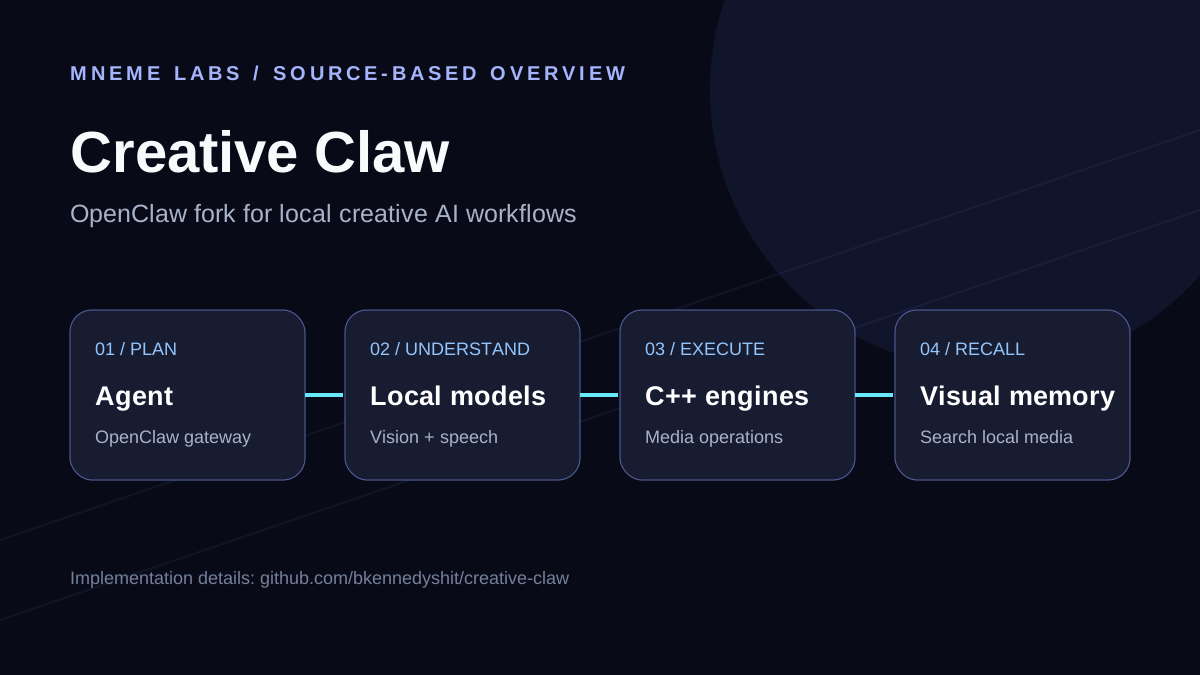
The agent decides what to do. An optional local model interprets video frames or speech. Native C++ engines perform the file-level work. For example, a video understanding step can connect a spoken line and a frame to timestamps; an editing operation can then cut or thumbnail a specific moment. The repo describes this linkage between understanding and editing as a core part of the creative engine plugin.
The engines expose image, audio, video, and vector operations directly inside the agent process. A separate visual-memory plugin indexes local media in a SQLite vector store. That gives a creator a path from “find the session with this trick or scene” to “work on the right file,” without relying on a filename alone.
Which parts run locally?
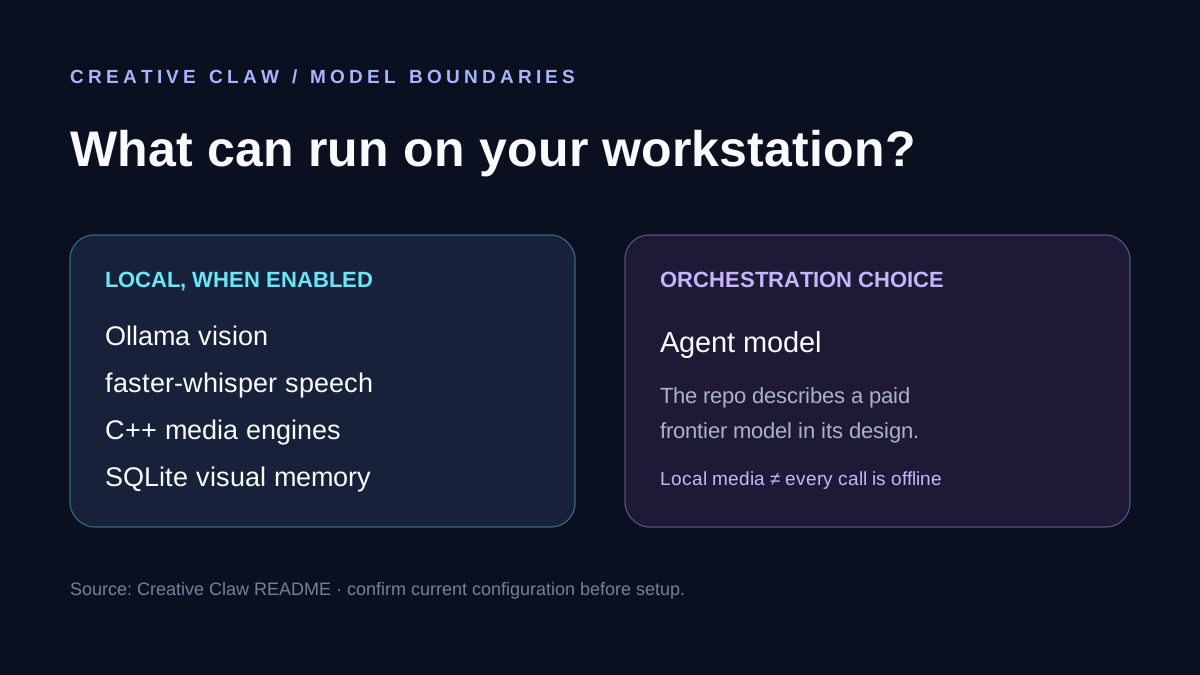
Creative Claw documents optional vision through Ollama and qwen2.5vl:7b, and optional speech through faster-whisper. The native engines also run on the workstation once their binaries and model weights are provisioned. These pieces can keep source media and perception near the creator's files.
The repository's current design still describes a paid frontier model for orchestration. “Local creative AI” describes the perception and processing path; it is not a promise that every workflow is fully offline or has zero API cost. The optional models report when they are unavailable, rather than pretending a result was produced.
Why hardware matters
Creative Claw does not have one universal GPU requirement. It depends on which parts you enable, the model you choose, the media size, and whether a native operation uses the CPU or a neural model. The README says some ONNX image operations run on CPU by default and can use CUDA when the supported runtime is present. The current optional CUDA path is documented for Windows. FFmpeg is required for video operations, and the approximately 1 GB native engine bundle is provisioned separately from Git.
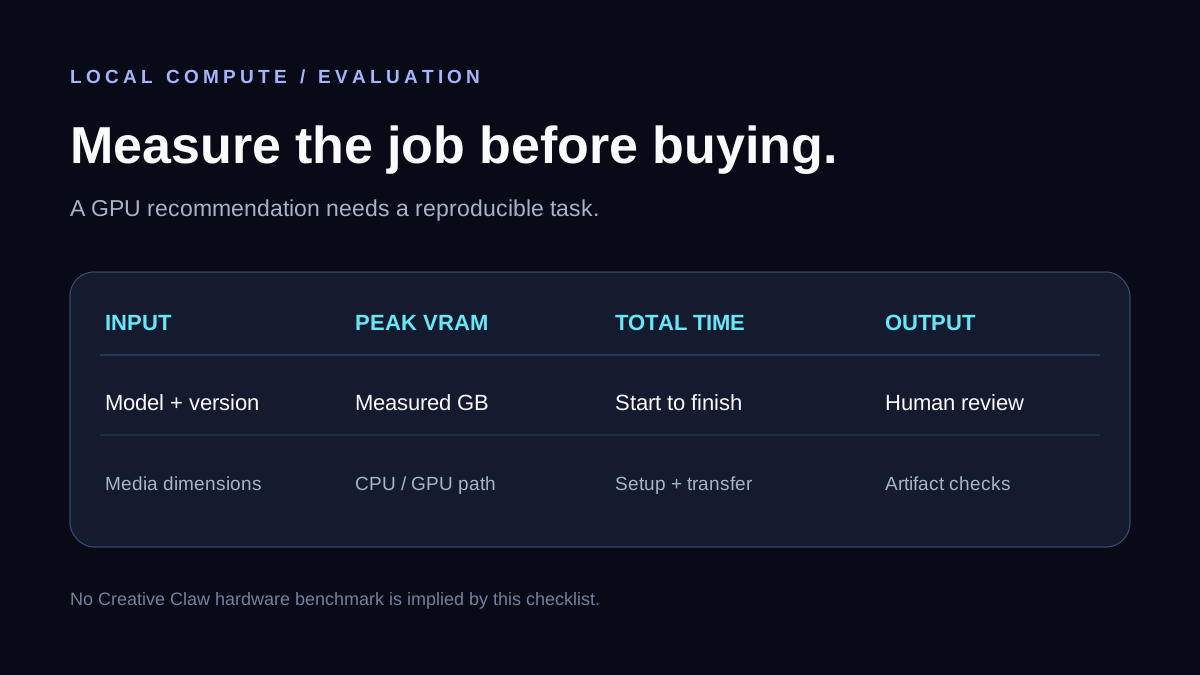
The gpu-broker plugin manages short-lived VRAM leases and can evict resident Ollama models so local perception and neural operations do not compete blindly for memory. That is a practical reason to measure peak VRAM for your actual workflow before shopping for a GPU. A benchmark for a large photo cannot be assumed to predict the cost of a long video batch or a different model.
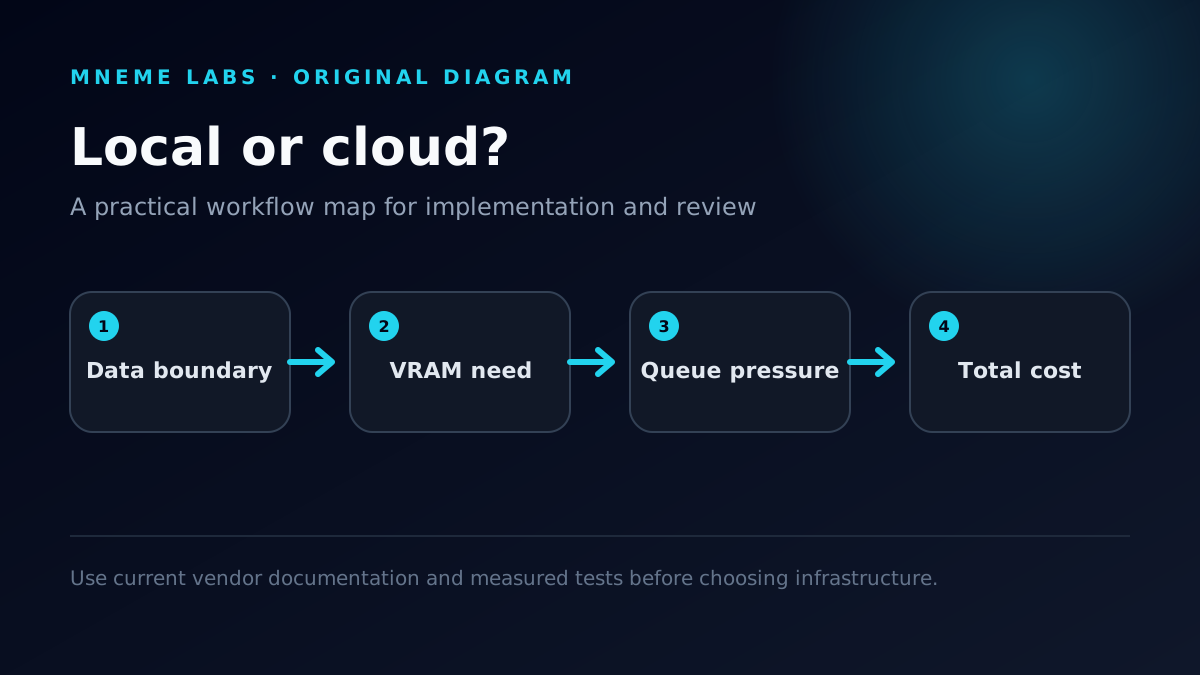
For a buying decision, record the model version, input dimensions and duration, peak VRAM, elapsed time, output quality, and whether the workload ran on CPU or GPU. Compare the complete job on your current machine before choosing local hardware or temporary cloud compute. Our local RTX 3090 versus cloud GPU guide provides a measurement framework; it is not a Creative Claw hardware benchmark.
Where the project stands
The code is public and the README documents how to build and launch the gateway from source. The package is not published to npm. Native binaries and model weights are not checked into the repo. Some inherited OpenClaw features remain untested in this fork, so the Creative Claw README is the right source for the current supported surface.
Start with the Creative Claw overview, then inspect the README and source. The next useful article here is a measured walkthrough: one source clip, one local model, the exact hardware, the operation used, the output, and the time and VRAM it consumed.