RunPod can extend a local AI video workflow when one workstation is not enough. That does not mean every video job belongs in the cloud, and this is not a claim that Mneme Labs has already benchmarked every RunPod configuration. It is a production plan for deciding when rented GPU capacity deserves a controlled test.
What the cloud GPU actually changes
A local workstation combines compute, storage, software, and direct access to source media. Moving compute to a remote GPU separates those layers. The GPU may become faster or more available, but footage now has to reach it, the environment has to be reproducible, and outputs have to return safely.

That trade can make sense for:
- a batch job that would occupy the local GPU all day;
- a model that needs more VRAM than the local card provides;
- multiple independent jobs that can run in parallel;
- an editor traveling without the main workstation;
- temporary demand that does not justify another hardware purchase.
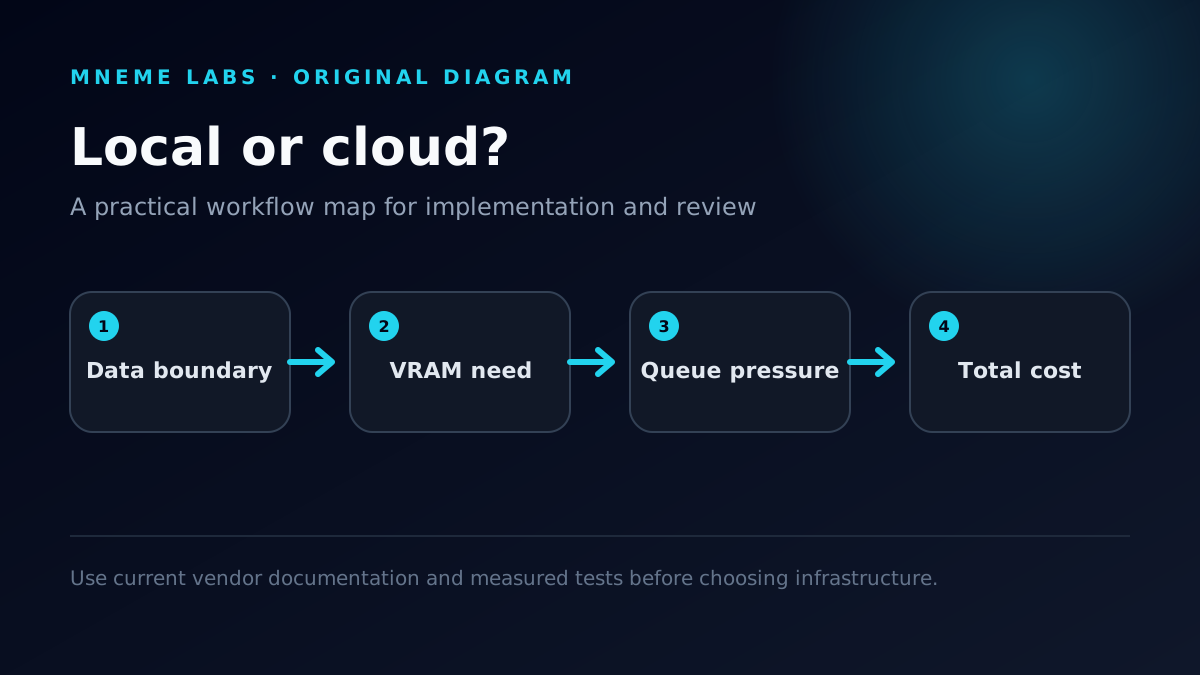
It makes less sense when the footage is sensitive, transfer time dominates the job, or the pipeline can only run after hours of manual setup.
A practical remote video pipeline
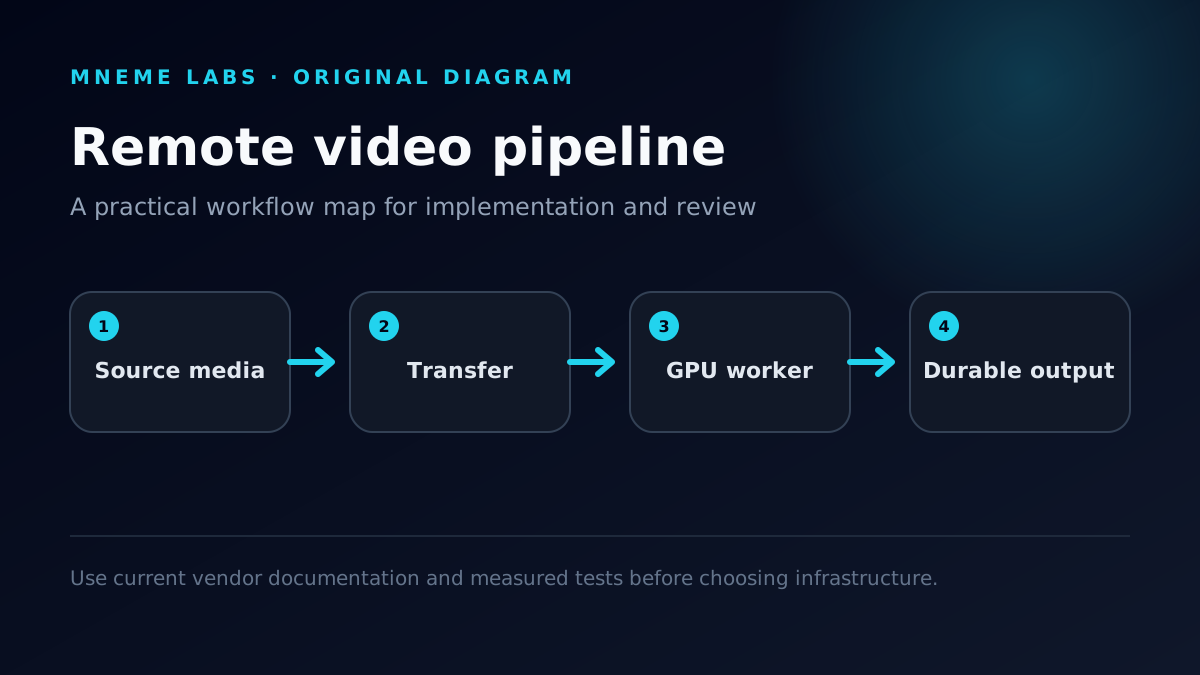
The clean version of the workflow has four layers:

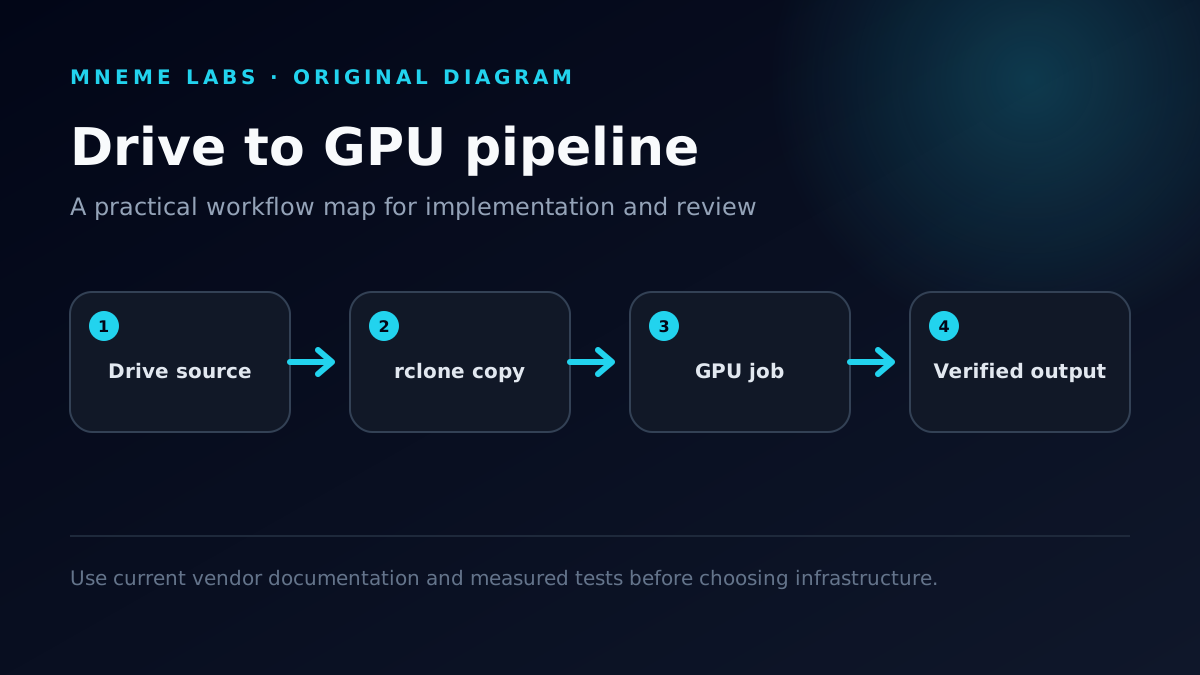
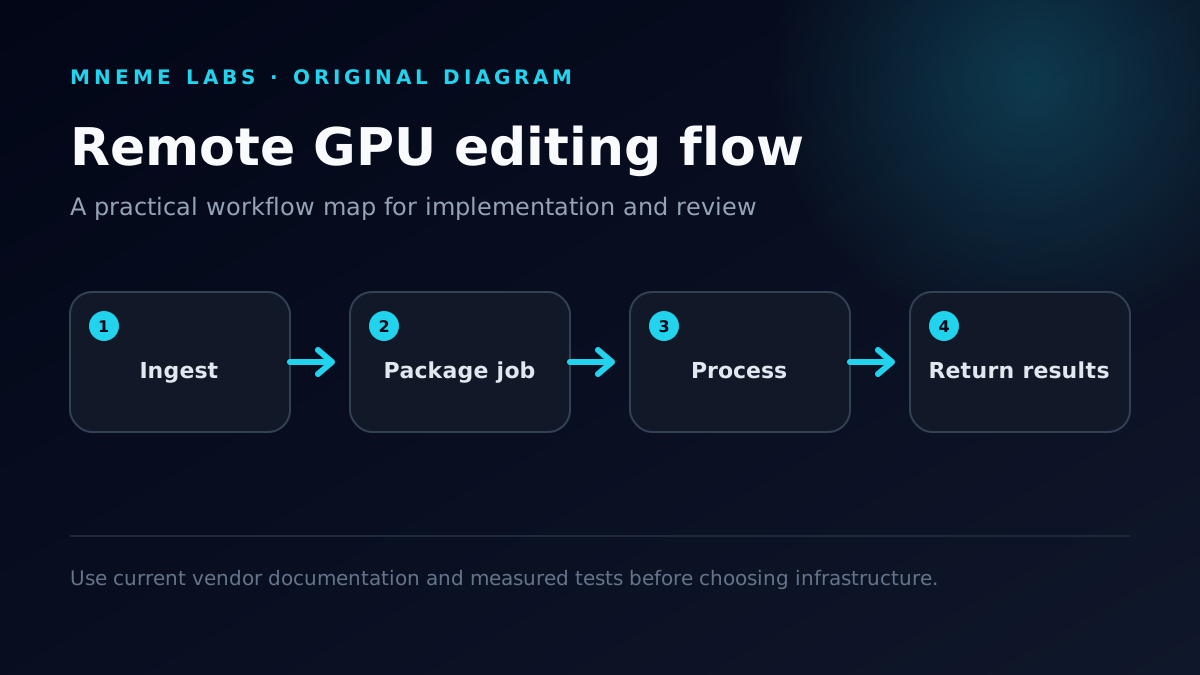
- Source storage. Original media lives in a controlled location with a backup.
- Transfer or mounted storage. The remote job receives only the files it needs.
- GPU worker. A reproducible image or startup script installs the exact model and tools.
- Output storage. Results leave temporary compute before the instance is stopped.
The GPU worker should be replaceable. If the only working copy of the model, settings, or rendered output exists inside a temporary instance, the workflow is fragile regardless of benchmark speed.
Video changes the cost equation
AI image generation may start from a prompt and produce a relatively small output. Video workflows can move gigabytes of source material in both directions. Upload and download time, persistent storage, and failed transfers must be included in the comparison.
For interpolation, upscaling, segmentation, transcription, or object detection, record:
- source duration, resolution, codec, and file size;
- model and version;
- GPU model and VRAM;
- setup and cold-start time;
- transfer time in each direction;
- processing time and GPU utilization;
- storage and network charges;
- failed or repeated work;
- complete observed cost.
“The render took twelve minutes” is not a useful cloud benchmark if forty minutes were spent moving the media and another instance remained running overnight.

Keep local and remote work compatible
The remote workflow should accept the same job description as the local one: input path, model, settings, output path, and a stable job identifier. Container images, lockfiles, versioned configuration, and machine-readable manifests reduce the difference between environments.
Long operations should checkpoint. Uploads and downloads should resume. Re-running a completed job should not silently duplicate or overwrite output. Logs should make it possible to explain which configuration created each result.
These are ordinary production practices, but rented compute exposes every shortcut that a single workstation allowed you to ignore.
Protect footage and credentials
Before uploading media, determine whether the content is approved for third-party infrastructure. Client work, unreleased campaigns, private archives, and biometric material may require additional controls or may need to remain local.
Use scoped credentials, do not bake secrets into an image, restrict exposed services, and remove resources after the job. A public notebook or management port is not an acceptable shortcut. Keep an audit trail connecting the job, input, environment, and output.

When RunPod belongs beside a local RTX 3090
The useful comparison is not “cloud or local forever.” A hybrid workflow can keep exploratory work and sensitive media on the RTX 3090, then send a defined, approved batch to remote compute when capacity or VRAM becomes the bottleneck.
The local machine remains the predictable base. RunPod becomes burst capacity. That division is valuable only when the remote job can be packaged, measured, stopped, and reproduced.
What Mneme Labs will test later
A credible follow-up will run the same representative video job on the local RTX 3090 and a documented remote configuration. It will publish transfer size, setup time, model versions, runtime, failures, and total cost. Screenshots and a workflow video will document the process rather than stand in for measurement.
Until that test exists, use this article as an evaluation checklist—not a performance claim.
Continue with the RunPod decision guide, Cloud GPU vs Local RTX 3090, or the complete AI infrastructure map.