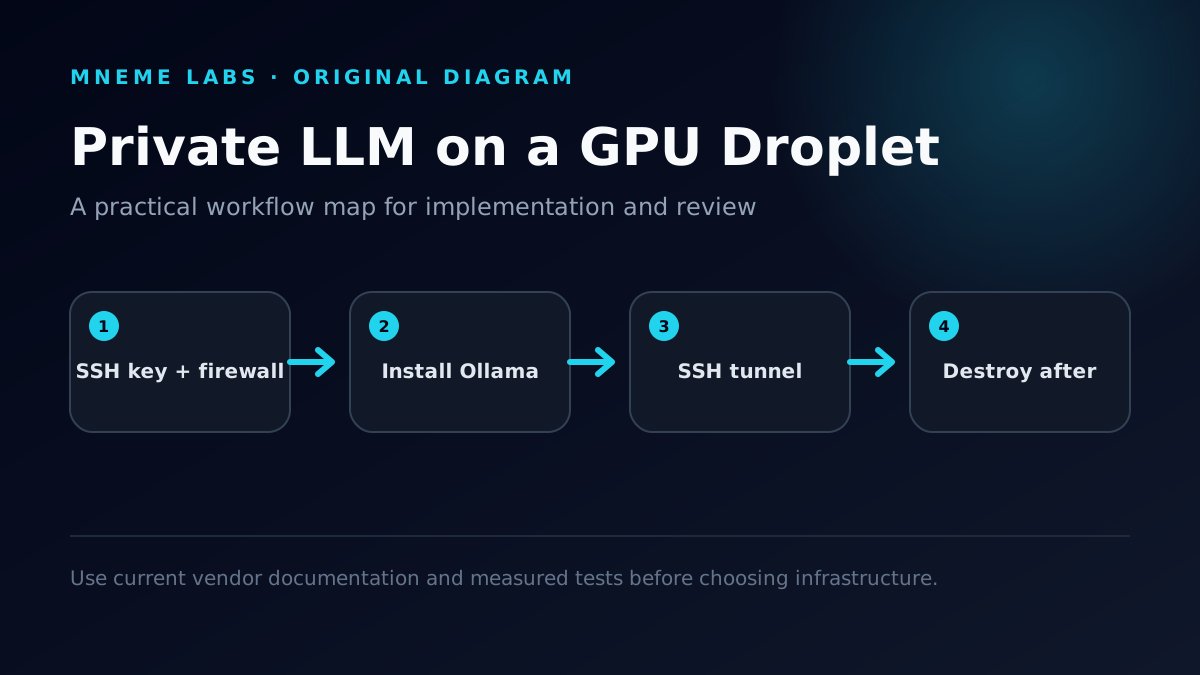
A rented GPU is the fastest way to run open models that won't fit on a laptop. It's also the fastest way to accidentally publish an unauthenticated AI endpoint to the whole internet. This guide sets up Ollama on a DigitalOcean GPU Droplet so the model is fast, reachable only by you, and disposable.
Everything below comes from DigitalOcean's and Ollama's public documentation as checked on October 17, 2026. It's a deployment procedure, not a Mneme Labs benchmark: we haven't published tokens-per-second figures for these cards, so measure your own workload before you settle on a size.

When a GPU Droplet makes sense
Rent instead of buy when:
- the model needs more VRAM than your local card has;
- the workload is bursty, such as a batch of documents, a vision pass over footage, or an evaluation run;
- you need to show a client a private model without shipping hardware;
- you want a clean, reproducible environment you can destroy afterward.
Stay local when the data can't leave your premises, or when the GPU would be busy most hours of the month. Owned hardware usually wins at sustained utilization. Our Cloud GPU vs Local RTX 3090 comparison walks through the break-even math.
One honest caveat about the word "private": running Ollama yourself means your prompts don't go to a third-party model API, and nobody else can query your model. DigitalOcean still operates the hardware. If a contract or regulation says data can't sit on a cloud provider at all, a GPU Droplet doesn't satisfy it.

The single-GPU plans and what they include
These are DigitalOcean's on-demand single-GPU options from its GPU Droplet pricing page as of October 17, 2026 (the page notes new pricing effective August 1, 2026):
| GPU | VRAM | Droplet RAM | vCPUs | Boot disk | Transfer | On-demand price |
|---|---|---|---|---|---|---|
| NVIDIA RTX 4000 Ada | 20 GB | 32 GiB | 8 | 500 GiB | 10,000 GiB | $0.76/GPU/hour |
| NVIDIA RTX 6000 Ada | 48 GB | 64 GiB | 8 | 500 GiB | 10,000 GiB | $1.57/GPU/hour |
| NVIDIA L40S | 48 GB | 64 GiB | 8 | 500 GiB | 10,000 GiB | $1.57/GPU/hour |
| AMD Instinct MI300X | 192 GB | 240 GiB | 20 | 720 GiB | 15,000 GiB | $2.59/GPU/hour |
| AMD Instinct MI325X | 256 GB | 164 GiB | 20 | 720 GiB | 15,000 GiB | $3.80/GPU/hour |
| NVIDIA HGX H100 | 80 GB | 240 GiB | 20 | 720 GiB | 15,000 GiB | $4.41/GPU/hour |
| NVIDIA HGX H200 | 141 GB | 240 GiB | 24 | 720 GiB | 15,000 GiB | $4.47/GPU/hour |
The Instinct and HGX plans also come with a 5 TiB NVMe scratch disk and an 8-GPU option. The RTX and L40S plans are single-GPU only. Spot and 12-month reserved pricing exist for some of the larger cards, but spot Droplets can be reclaimed, so they suit restartable batch jobs rather than an interactive model server. DigitalOcean's Droplet features documentation lists the plan slugs (for example gpu-4000adax1-20gb and gpu-l40sx1-48gb) and notes a 10 Gbps public bandwidth ceiling on GPU Droplets.
Size by VRAM, not by marketing tier
A model runs at full speed only when its weights, plus the memory for its context window, fit in GPU memory. If they don't, Ollama splits the model between GPU and CPU, and generation slows sharply.

Start from the download size listed in the Ollama model library. These are the default 4-bit tags as listed in October 2026:
| Model tag | Download size | 20 GB card | 48 GB card |
|---|---|---|---|
llama3.1:8b | 4.9 GB | Comfortable | Comfortable |
qwen3:8b | 5.2 GB | Comfortable | Comfortable |
qwen2.5vl:7b (vision) | 6.0 GB | Comfortable | Comfortable |
qwen3:14b | 9.3 GB | Comfortable | Comfortable |
gemma3:27b | 17 GB | Tight; keep context short | Comfortable |
qwen3:32b | 20 GB | Won't fit with any context | Comfortable |
qwen2.5vl:32b (vision) | 21 GB | Won't fit | Comfortable |
llama3.1:70b | 43 GB | No | Tight; test before relying on it |
The "comfortable" and "tight" labels are headroom estimates based on file size versus VRAM, not measured results. Three settings change the real number:
- Context length. Ollama's FAQ says the default context window is 4,096 tokens, adjustable with
OLLAMA_CONTEXT_LENGTHor thenum_ctxparameter. Longer context means a bigger KV cache in VRAM. - Parallel requests.
OLLAMA_NUM_PARALLELdefaults to 1. The FAQ notes that required memory scales with parallel requests multiplied by context length. - Quantization. Higher-precision tags such as
q8_0orfp16are roughly two to four times larger than the default 4-bit download. Use them only if you've measured a quality problem with the default.
For most private-assistant and document workloads, the RTX 4000 Ada is the starting point. Move to a 48 GB card when you need a 30B-class model or long context. AMD Instinct cards work with Ollama through ROCm, but CUDA-only tools elsewhere in your pipeline won't run on them, so check every dependency, not just the model server.
Step 1: Create the Droplet correctly
- In the control panel, choose Create → GPU Droplet and pick a region near you or your data. Availability varies by region, so check the dropdown rather than assuming.
- Choose an AI/ML-ready image. DigitalOcean's docs say these images ship with the GPU drivers preinstalled. A plain Ubuntu image works too, but then you install drivers yourself.
- Add an SSH key. Don't use a root password.
- Create a cloud firewall with one inbound rule: SSH (TCP 22) from your own IP address. DigitalOcean's cloud firewalls block everything not explicitly allowed, so leaving port 11434 out keeps the model server unreachable from the internet even if someone misconfigures Ollama later.
- Set a billing alert in your account settings before you start anything that runs for hours.
Step 2: Install Ollama and confirm the GPU
ssh root@DROPLET_IP
nvidia-smi                       # confirm the card and driver (NVIDIA images)
curl -fsSL https://ollama.com/install.sh -o install.sh
less install.sh                  # read it before running it
sh install.sh
ollama pull qwen3:8b
ollama run qwen3:8b "Reply with OK."
ollama ps                        # PROCESSOR column should read 100% GPU
ollama ps is the check that matters. If the PROCESSOR column shows a CPU/GPU split, the model or its context doesn't fit in VRAM. Pick a smaller tag, shorten the context, or move to a larger card.

On Linux, the installer registers Ollama as a systemd service. Server settings go in a systemd override, as the FAQ describes:
systemctl edit ollama.service
# add under [Service]:
#   Environment="OLLAMA_CONTEXT_LENGTH=8192"
#   Environment="OLLAMA_KEEP_ALIVE=30m"
systemctl daemon-reload && systemctl restart ollama
By default, Ollama keeps a model in memory for five minutes after the last request. A longer OLLAMA_KEEP_ALIVE avoids reload delays during an interactive session. It doesn't cost anything extra, because you're paying for the Droplet whether or not the model is loaded.
Step 3: Keep the API private with an SSH tunnel
Ollama binds to 127.0.0.1:11434 by default, so it's reachable only from inside the Droplet. Leave it that way. Reach it from your own machine through SSH:
ssh -N -L 11434:127.0.0.1:11434 root@DROPLET_IP
# in another terminal on your laptop:
curl http://localhost:11434/api/generate -d '{"model":"qwen3:8b","prompt":"Say hi","stream":false}'
Now http://localhost:11434 on your laptop is the remote GPU, encrypted in transit and gated by your SSH key. Editors, chat front ends, and scripts that expect a local Ollama work unchanged.
Don't set OLLAMA_HOST=0.0.0.0 on a public server. The Ollama server doesn't authenticate requests, so anyone who can reach the port can use your GPU and read whatever your prompts contain. If several people or services need access, put an authenticating reverse proxy in front of it with TLS, per-user keys, rate limits, and request logs, and keep the firewall restricted to known addresses. Our production checklist for hosting an AI API covers that layer, and it applies to any provider.
Step 4: Treat the Droplet as disposable
Store anything you can't lose somewhere else:

- Models re-download quickly. Script the
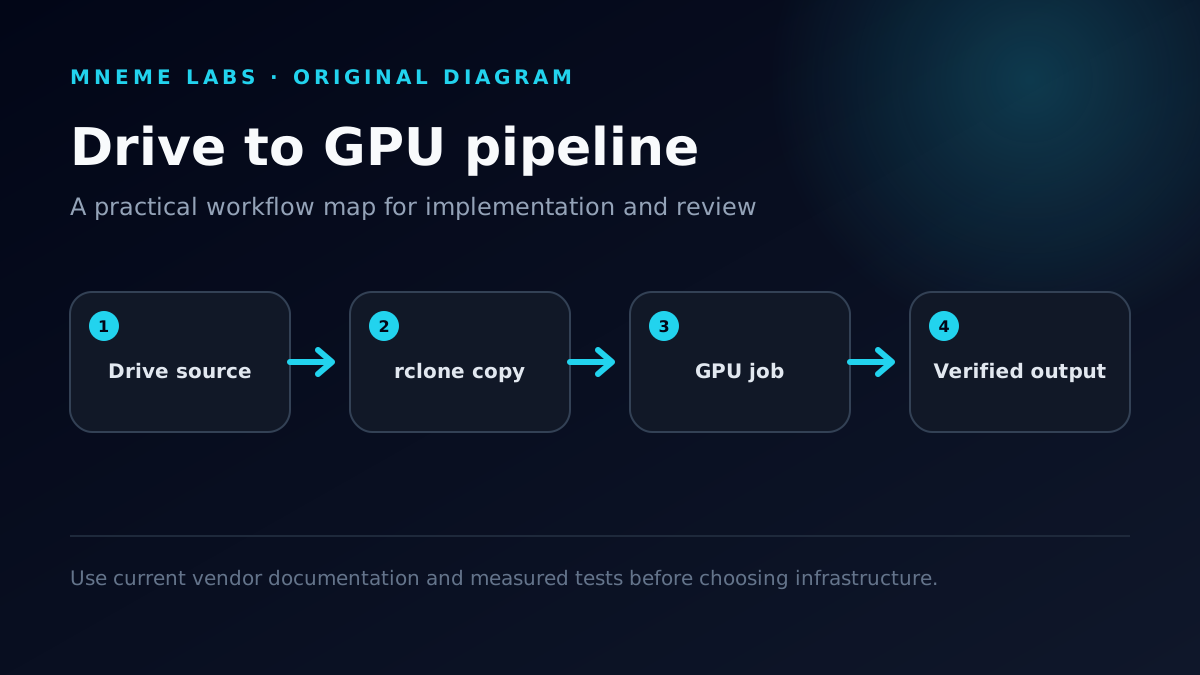
ollama pulllines instead of preserving disks. - Inputs and outputs belong in object storage or your own drive. For media workloads, see our guide to moving files between Google Drive and a cloud GPU with rclone.
- Configuration goes in a short bootstrap script kept in version control.
A minimal bootstrap you can paste into the Droplet's user-data field at creation time, or run by hand after SSH-ing in:
#!/usr/bin/env bash
set -euo pipefail
curl -fsSL https://ollama.com/install.sh | sh
mkdir -p /etc/systemd/system/ollama.service.d
cat > /etc/systemd/system/ollama.service.d/override.conf <<'EOF'
[Service]
Environment="OLLAMA_CONTEXT_LENGTH=8192"
Environment="OLLAMA_KEEP_ALIVE=30m"
EOF
systemctl daemon-reload && systemctl restart ollama
ollama pull qwen3:8b
Pin the install script's version or vendor a copy once you depend on it. With this in place, a fresh GPU environment is one script away, and destroying the old one loses nothing.
The billing rule that matters most
DigitalOcean's pricing FAQ says GPU Droplets are billed per second with a five-minute minimum, which is excellent for short jobs. The same FAQ says a powered-off GPU Droplet is still billed, because its disk, CPU, RAM, and IP address stay reserved. Charges stop only when the Droplet is destroyed.
So the shutdown procedure is:
- Copy outputs off the machine and verify them.
- Destroy the Droplet (control panel, or
doctl compute droplet delete <id>). - Confirm it no longer appears in the Droplet list.
Worked costs at the October 2026 on-demand rates:
| Scenario | Card | Hours | Cost |
|---|---|---|---|
| Quick smoke test (billed at the 5-minute minimum) | RTX 4000 Ada | 0.083 | about $0.06 |
| Three-hour evaluation session | RTX 4000 Ada | 3 | $2.28 |
| Three-hour session on a 30B-class model | L40S | 3 | $4.71 |
| Forgotten for a 28-day month | L40S | 672 | $1,055.04 |
The last row is why the billing alert in Step 1 isn't optional, and why "power off" never belongs in your shutdown checklist.
Measure before you commit to a size
Record these for your real workload, not a toy prompt:
- time from Droplet creation to first token, including model download;
- tokens per second at your actual context length;
- peak VRAM from
nvidia-smiand the PROCESSOR split fromollama ps; - wall-clock time per finished job;
- total cost per job, including setup and transfer time.
The size that "fits" isn't always the cheapest per result. A larger card that finishes three times faster can cost less per job, and a smaller model that answers well enough can cost a third as much. Only your measurements settle that.
Troubleshooting
nvidia-smi: command not found. You picked an image without GPU drivers. Recreate the Droplet from an AI/ML-ready image. That's faster than installing drivers by hand on a machine you plan to destroy anyway.
Responses are slow and ollama ps shows a CPU share. The model plus context doesn't fit in VRAM. Drop to a smaller tag, lower OLLAMA_CONTEXT_LENGTH, set OLLAMA_NUM_PARALLEL=1, or move to a 48 GB card.
The tunnel fails with "address already in use." Ollama is already running on your laptop on port 11434. Tunnel to a different local port, for example -L 11435:127.0.0.1:11434, and point your tools at localhost:11435.
The first answer after a pause takes much longer. The model was unloaded after the keep-alive window and is being reloaded. Raise OLLAMA_KEEP_ALIVE for interactive sessions.
Model downloads are slow. Pull models in your bootstrap script while you're doing other setup, and keep the tag list short. Each extra model is more download time you pay for.
FAQ
Is this cheaper than a hosted model API? It depends on volume and model size. A small open model on an RTX 4000 Ada at $0.76/hour can be economical for batch jobs that keep the GPU busy. For occasional chat, per-token APIs are often cheaper because you pay nothing while idle. Compare cost per finished job, not per hour.
Can I stop the Droplet overnight to save money? No. DigitalOcean bills powered-off GPU Droplets. Destroy it and rebuild from your bootstrap script in the morning.
Can a teammate use the same model? Yes. Give them their own SSH key and the same tunnel command. For more than a few users, put an authenticating proxy in front of Ollama rather than opening the port.
Should I use DigitalOcean's inference-optimized image instead? DigitalOcean also offers an image built around Docker and vLLM for LLM serving. That's a good fit for high-throughput, multi-user serving. Ollama is simpler for one person or a small team working interactively.
Does Ollama work on the AMD Instinct plans? Ollama's GPU documentation lists the MI300X among its supported ROCm accelerators (the MI325X wasn't on that list when we checked). Verify every other tool in your pipeline too, because anything CUDA-only won't run on AMD.
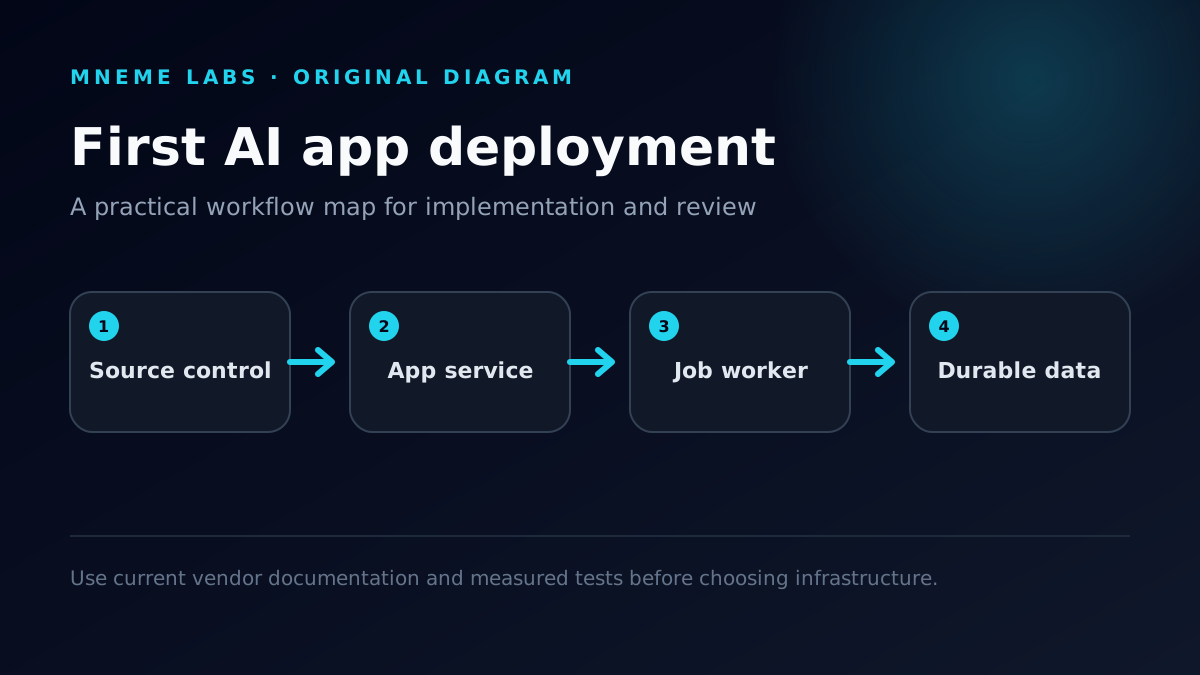
For the wider picture, see the DigitalOcean decision guide, Deploy Your First AI App Without Overbuilding It, and the full AI infrastructure map.