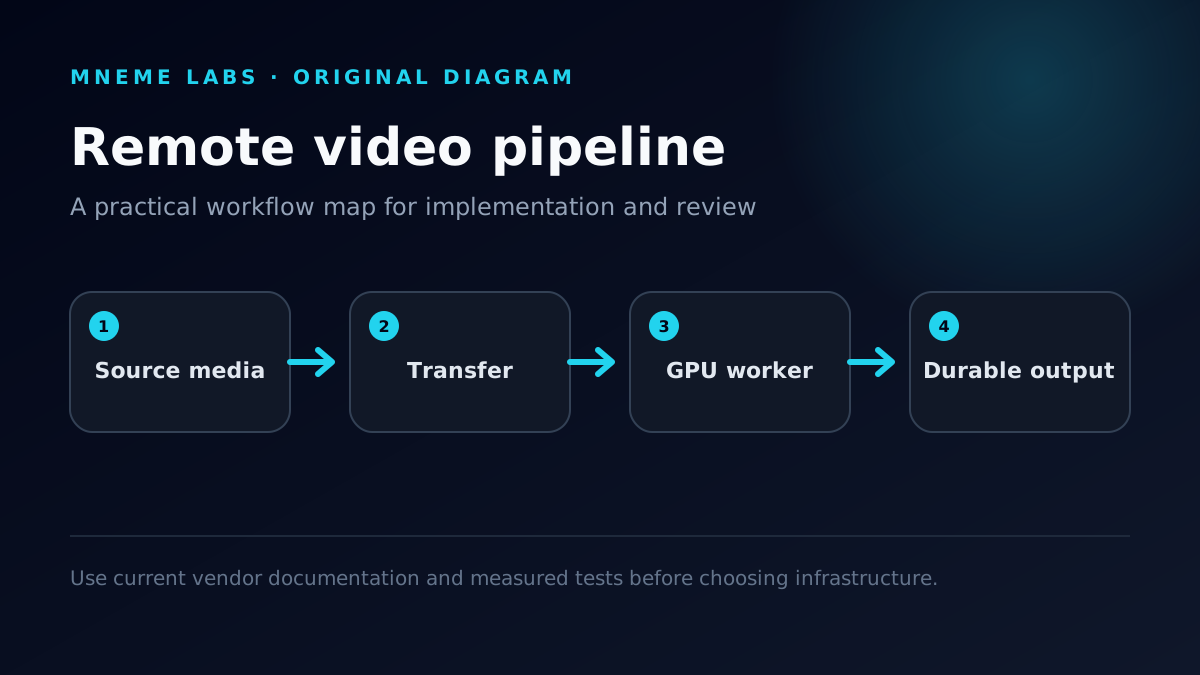
Creators already keep their media in Google Drive, Dropbox, or OneDrive. Often the cheapest way to run AI on that media isn't new hardware. It's a rented GPU that exists only for the job, with cloud storage as the durable layer on both ends.
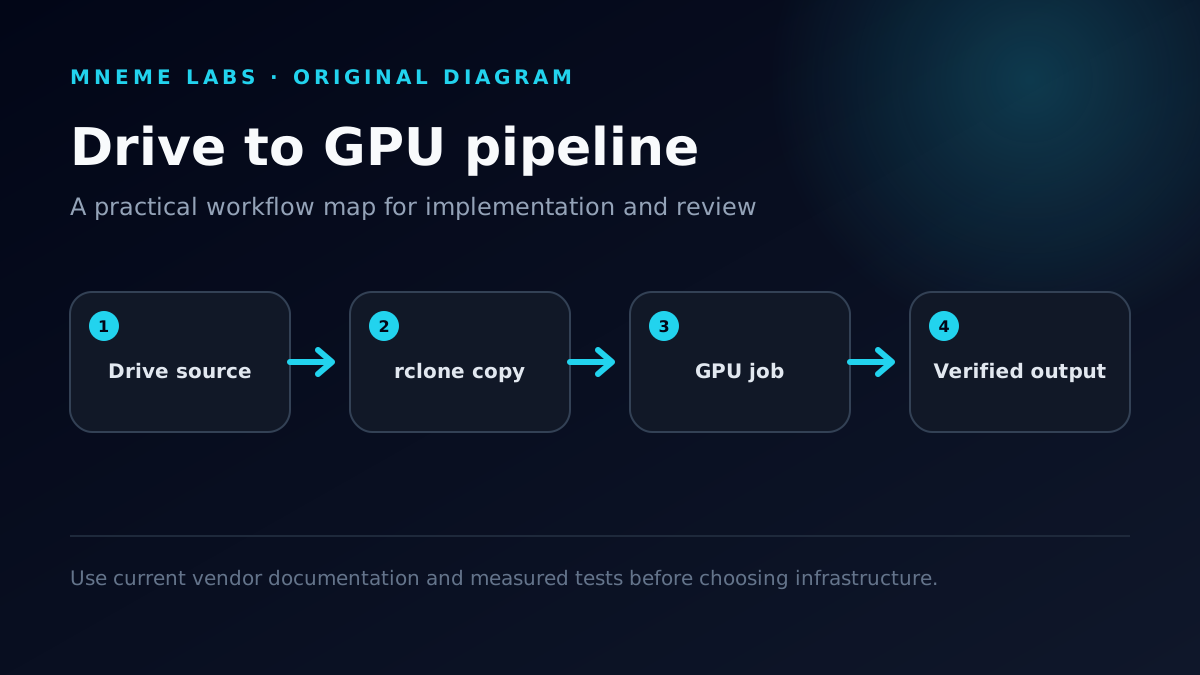
This guide covers the plumbing: rclone copies one job's files from Drive to a GPU server, the job runs, results go back and get verified, and the server is destroyed. It's the same pattern behind our BMX Gym Rats tutorial on editing riding footage with a cloud GPU.

Commands and limits below come from rclone's Google Drive documentation and provider pricing pages as checked on October 17, 2026. Transfer speeds depend on your provider, region, and file mix, and we haven't published benchmark numbers for them. The timing figures in the cost section are a worked example, not measurements.
The architecture
- Durable source. Original media stays in Drive and is never edited in place.
- Scoped transfer. The GPU server can see only the folder for this job.
- Disposable compute. A GPU instance created from a bootstrap script.
- Durable output. Results are copied back and verified before teardown.
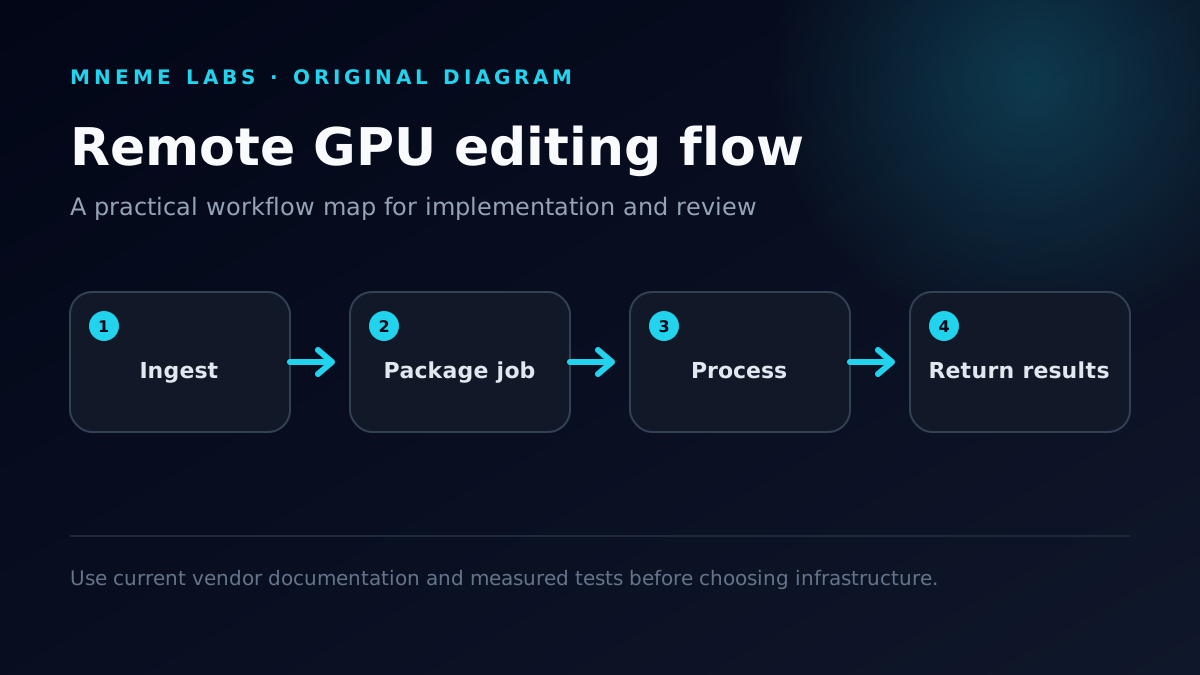
If the GPU instance vanishes mid-job, the worst case is rerunning the job. Nothing irreplaceable lives on it. If you're new to the overall shape of remote processing, read How Remote GPU AI Video Editing Works first.
Pick compute by what the job needs
| Provider | Model | What to check first |
|---|---|---|
| DigitalOcean GPU Droplets | Fixed plans, per-second billing with a five-minute minimum | RTX 4000 Ada (20 GB) listed at $0.76/GPU/hour on its pricing page as of October 17, 2026. Powered-off Droplets are still billed, so destroy them. |
| RunPod | GPU-focused, container-based pods | Card availability by region and how persistent storage is billed |
| Vast.ai | Marketplace of third-party hosts | Host reliability score, network speed, and storage terms on each listing |

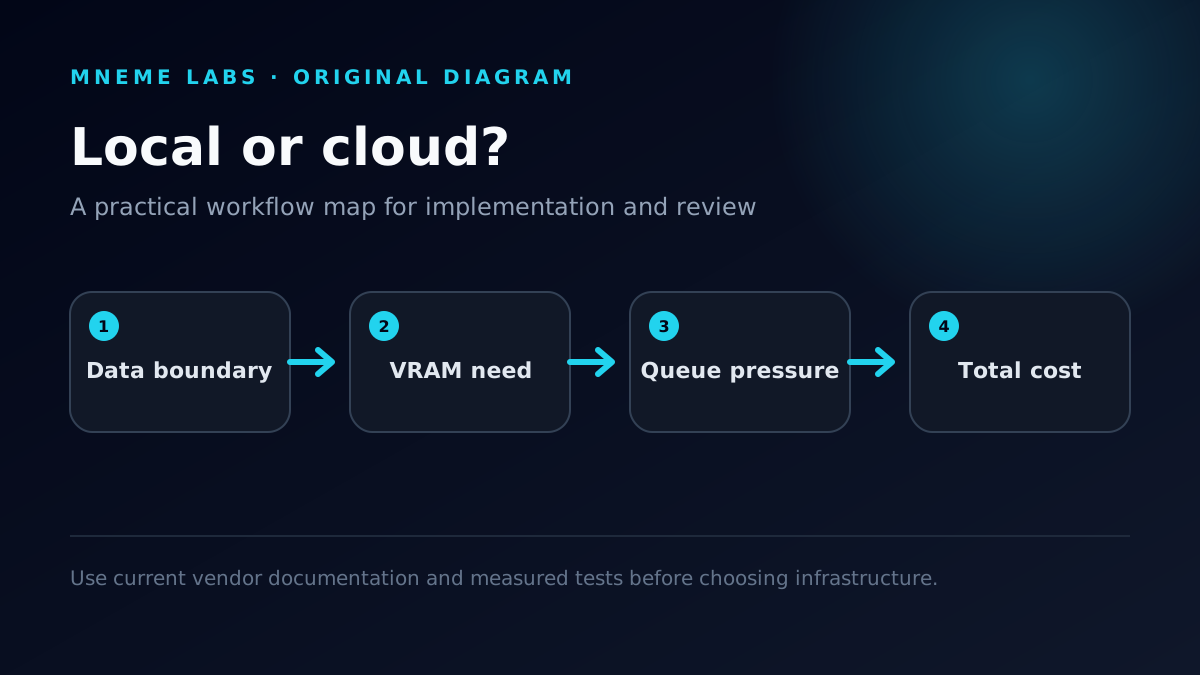
Whichever you pick, confirm the job's runtime requirements first. CUDA-only tools need NVIDIA cards, and many vision pipelines need 20 GB or more of VRAM. Our RunPod for AI video editing guide and Cloud GPU vs Local RTX 3090 comparison cover the rent-versus-own decision in more depth.
Step 1: Create your own Google Drive client ID
rclone's documentation says its shared Google Drive client ID is being retired and will stop working during 2026, and it strongly recommends creating your own. For a pipeline you plan to keep running, treat that as a requirement. Your own client ID also gets its own API quota. The docs note Google's default quota is 10 transactions per second, and staying under it keeps rclone from throttling itself.
The short version of rclone's procedure:
- Sign in to the Google API Console with any Google account and create a project.
- Enable the Google Drive API.
- Configure the OAuth consent screen with audience External, then add the Drive scopes you plan to use under Data Access.
- Add yourself as a test user.
- Create an OAuth client of type Desktop app and note the client ID and secret.
- Publish the app. In Testing mode, rclone's docs warn that grants expire after a week. A published personal-use app with fewer than 100 users doesn't need Google verification. You'll click through an "unverified app" warning once during setup.
If the Publish button is greyed out, Google wants a home page and privacy policy URL in the Branding section first. rclone's docs note that a free GitHub Pages site works.

Step 2: Authorize a server that has no browser
GPU servers don't have a browser, so run rclone config on the server and answer N to "Use web browser to automatically authenticate rclone with remote?" rclone then prints a command to run on a machine that does have a browser:
# on your laptop (same rclone version recommended)
rclone authorize "drive" "<the encoded string rclone printed>"
# sign in, approve, then copy the token it prints back to the server prompt
rclone's remote setup guide also documents two alternatives: copying a finished config file to the server, or tunneling the auth port over SSH. Copying the config file is the easiest option to script. Run rclone config file to find where it lives, and treat it like a password, because it contains your refresh token.
Step 3: Limit what the server can reach
Don't give a rented machine your whole Drive. Make two remotes:
| Remote | Scope | root_folder_id | Purpose |
|---|---|---|---|
gdrive-src | drive.readonly | ID of your raw folder | Read source footage only |
gdrive-out | drive.file | ID of your processed folder | Write results; can see only files rclone created |
The folder ID is the last segment of the folder's URL in the Drive web interface. Setting root_folder_id makes rclone treat that folder as the root, so the server can't browse anything above it. The drive.file scope limits rclone to files it created itself, which is exactly what an output remote needs.

For unattended automation inside a Google Workspace, rclone also supports a service account (service_account_file) with access to one shared folder. That beats leaving a personal token on rented hardware.
Step 4: The job script
#!/usr/bin/env bash
set -euo pipefail
JOB="$1"                                   # e.g. 2026-10-17-session
SRC="gdrive-src:$JOB"
DST="gdrive-out:$JOB"
WORK="/mnt/work/$JOB"                      # use the fastest local disk you have

mkdir -p "$WORK/in" "$WORK/out"
rclone copy "$SRC" "$WORK/in" --transfers 4 --progress
./run_job.sh "$WORK/in" "$WORK/out"        # your model or tool goes here
rclone copy "$WORK/out" "$DST" --transfers 4 \
  --drive-chunk-size 64M --drive-stop-on-upload-limit --progress
rclone check "$WORK/out" "$DST" --one-way  # verify before teardown
echo "verified: $JOB"
What each choice does:
rclone copynever deletes anything at the destination. Avoidrclone syncin job scripts, because a wrong path can delete files to make the destination match.--drive-chunk-size 64Mraises the upload chunk from the 8 MiB default. rclone's docs say larger chunks improve performance, but each one is buffered in memory per transfer, so 4 transfers × 64 MiB is about 256 MiB of RAM.--drive-stop-on-upload-limitmakes rclone fail fast when Drive's daily upload cap is hit instead of retrying for hours.rclone check --one-waycompares the size and hash of every file in the local output against the destination and reports mismatches, without changing either side. It ignores extra files already at the destination. Destroy the instance only after it passes.
Run the script with nohup or inside tmux so a dropped SSH session doesn't kill a two-hour job.
Step 5: Bootstrap and tear down the instance
The GPU instance should go from blank to job-ready with one script, and from finished to gone with one command. A minimal bootstrap for an Ubuntu-based GPU image:
#!/usr/bin/env bash
set -euo pipefail
curl -fsSL https://rclone.org/install.sh | sudo bash   # official installer; pin a version once stable
mkdir -p ~/.config/rclone
# from your laptop, not here:  scp ~/.config/rclone/rclone.conf root@GPU_IP:~/.config/rclone/
git clone https://github.com/YOUR_ORG/YOUR_JOB_REPO.git ~/job   # holds run_job.sh and the job script
rclone lsd gdrive-src:                                  # fails fast if auth or scopes are wrong
Copying a prepared rclone.conf over SSH avoids redoing the browser authorization on every new machine. It also means the file holds a live refresh token, so it should exist only on machines you control and should be deleted along with the instance. If you'd rather not keep a reusable token at all, rclone supports encrypting the config file with a password you enter at run time.
Teardown is the step people skip, so make it part of the job script's success path rather than something you remember later:

- Confirm
rclone checkprinted no differences. - Spot-check one output in Drive's web interface. Open it, don't just look at the file name.
- Destroy the instance with your provider's control panel or CLI. On DigitalOcean that's
doctl compute droplet delete <id>. - Confirm it's gone from the instance list. On DigitalOcean, a powered-off GPU Droplet still bills.
If a job fails partway through, the source footage in Drive is untouched. Fix the script, recreate the instance, and rerun. rclone copy skips any outputs that already made it to Drive.
Throughput realities
From rclone's Drive documentation:
- Daily upload cap. At the time of writing, Google Drive allows about 750 GiB of uploads per day. The docs call this an undocumented limit. Plan large output batches across days, or keep outputs smaller (proxies, selects, and finals, not every intermediate).
- About two files per second. Drive's rate limiting holds rclone to roughly two file transfers per second, even though a single large file can move at hundreds of MiB/s. A folder of 10,000 thumbnails or frame dumps is slow no matter how fast the network is. Archive small files into a
.tarbefore transferring them. - "User rate limit exceeded." The docs advise waiting at least 24 hours before retrying.
- Duplicates. Drive, unlike most storage backends, can hold two files with the same name in one folder. If rclone keeps recopying files it shouldn't, run
rclone dedupeon the folder.
Often the biggest bottleneck is the creator's home upload into Drive, not the GPU. Let footage upload overnight and process it the next day.
Cost the whole job, not the GPU minute
Here's a worked example with hypothetical timings, priced on DigitalOcean's RTX 4000 Ada at $0.76/hour (October 2026 rate):
| Phase | Hypothetical time |
|---|---|
| Create instance and run bootstrap | 15 min |
| Copy 200 GB of footage from Drive | 30 min |
| Process (detection, transcription, cuts) | 90 min |
Upload outputs and run rclone check | 15 min |
| Total billed time | 2.5 hours, about $1.90 |
The 30-minute transfer assumes a sustained ~110 MB/s. Measure your own rate with --progress on a test folder before trusting any estimate, because transfer time scales with data size and file count, not GPU speed.
Two lessons hold regardless of the numbers. Bootstrap time shrinks once it's scripted, and transfer time usually doesn't, so keep source folders lean and choose a region close to where your data is. And a forgotten instance costs far more than a slow one. At $0.76/hour, an RTX 4000 Ada Droplet left running for a 672-hour month costs $510.72.
Troubleshooting
rclone warns about the shared client ID. You left client_id blank. Rerun rclone config, edit the remote, and enter your own ID and secret from Step 1.
The token stops working after about a week. Your OAuth app is still in Testing mode. Publish it, then reauthorize.
rclone check reports differences right after upload. Rerun the copy. It transfers only missing or changed files, then check again. If the same files keep failing, look for duplicates with rclone dedupe --dedupe-mode list.
Uploads stop partway through a big batch. You've probably hit the daily upload cap. With --drive-stop-on-upload-limit, rclone exits with an error instead of retrying. Resume the next day; the copy will skip files already uploaded.
Hashes are missing for older files. rclone's docs say every Drive file has an MD5 hash, but a small fraction of files, especially ones uploaded before 2018, may lack SHA1 or SHA256 hashes. rclone check uses a hash both sides support, so this rarely matters for MD5-based checks.
Security checklist
- SSH keys only, with the firewall limited to your IP.
- Separate read-only source and write-only output remotes, each pinned with
root_folder_id. - Keep tokens and
rclone.confout of images and repositories. Revoke the app's access in your Google account settings if a machine is compromised. - Get permission before uploading other people's footage to rented infrastructure.
- Destroy the instance. Don't just stop it.
FAQ
Do I really need my own client ID? For anything you'll rely on, yes. rclone's documentation says the shared ID stops working during 2026, and rclone warns you if you leave the client ID blank.
Can I mount Drive with rclone mount instead of copying?
You can, but AI tools that seek around inside large video files perform poorly over a network mount. Copying to local disk first is simpler and more predictable for batch jobs.
Does this work with Dropbox or OneDrive?
The pattern is the same. rclone supports both, and the headless rclone authorize flow works the same way. Upload limits and rate limits differ, so read that backend's page.
Which processing jobs fit this pattern? Anything that reads files, runs on a GPU, and writes files. Transcription with Whisper, detection-based auto-cuts like our YOLO and Whisper pipeline, upscaling, and private LLM batch jobs on a DigitalOcean GPU Droplet all fit.